Few days ago a issue was mentioned , After you performed the release it was stuck in issues stating
Transport Control Program tp ended with error code 0247.
Errors: Add to buffer has problems with data – and /or co file
What exactly happens here ?
Developments are made in Development Workbench may be customer specific or changes in SAP Standard object . When you perform the release operation in STMS , data and co files are not generated.
Why this happens ?
Incorrect Setting of the workbench organizer and Transport System. These changes are entered by the system into local request that is not transportable.
What needs to be done ?
Though the changes were made on local request and cannot be transported . The requirement is that the request needs to be transported.
How it needs to be done ?
User which will be performing this operation needs authorization of Workbench Organizer S_CTS_ALL (contained in the profile S_A.SYSTEM)
Firstly, Change Released SAP Transport to Unreleased
Run SE38 and execute execute report RDDIT076 > f8 or execute
Or
Now we have few scenarios and depending on which you need to decide what next steps to be used Read SAP note for more : 28967
Ways to do it
Assign the value of target system
SE10 > Fill Your transport number .
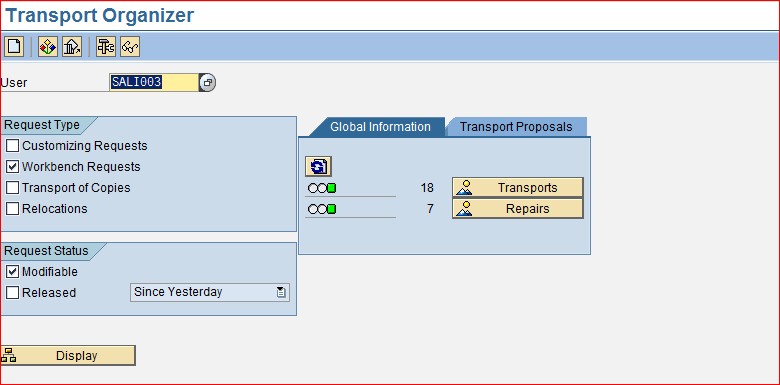
Go to properties and add the target system SID
Release the TR again and this time your data and co file will be created
By using ABAP Dictionary
SE11 > Enter the structure > Change > Object Directory Entry that was used and click change
As soon as this changes are performed you will be prompted to enter TR which you would like to sum up and then you can release that TR
Include objects from local change to a new Request
Create new request using SE10 with description and target system
Add object from the Local Change Request to the new request that we just created.
Comments
Post a Comment