Embarking on the next chapter of Ashish Enterprise's IDoc journey, we delve into the captivating world of mapping and transformation. In this phase, the focus shifts to designing and implementing the necessary mappings to ensure data compatibility between System A (Sales) and System B (Production). Mapping and transformation lay the groundwork for harmonious data exchange, allowing for efficient and accurate information flow.
Importance of Mapping and Transformation:
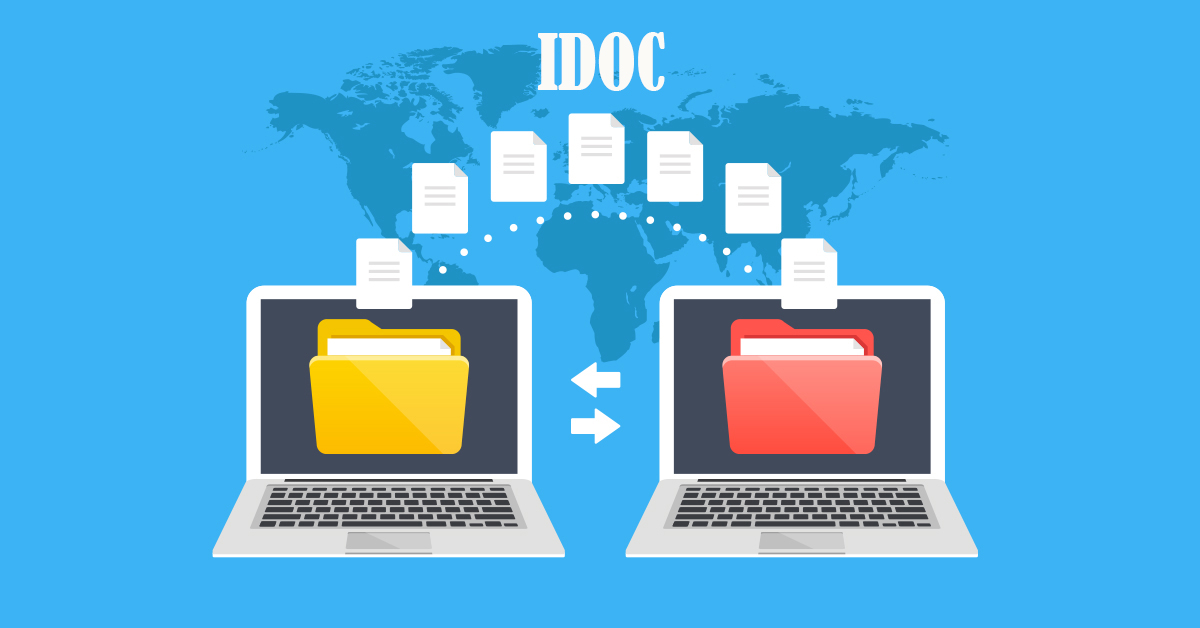
Mapping and transformation serve as the bridge that connects the source IDoc structure from System A to the target IDoc structure in System B. They ensure that the data transmitted between the systems aligns with the specific requirements of each system. This critical step allows for seamless integration of business processes and accurate interpretation of data, ultimately enhancing decision-making and operational efficiency.
Designing and Implementing Mappings:
To design effective mappings, the SAP functional consultants collaborate closely with the business stakeholders to understand the data transformation requirements. They analyze the source and target IDoc structures, identifying corresponding fields, segments, and data types. The consultants then create mappings that define how the data in the source IDoc will be transformed and mapped to the target IDoc structure.
For example, consider a scenario where System A sends a sales order IDoc to System B. The functional consultants design a mapping that matches the fields in the sales order IDoc (such as customer name, product code, and quantity) to the corresponding fields in the production order IDoc in System B (such as material number, quantity, and production line). This ensures that the data flows seamlessly and accurately between the systems, supporting a smooth production planning and execution process.
Conversion, Validation, and Conditional Logic:
Mapping and transformation go beyond simple field-to-field mapping. They encompass various aspects such as data conversion, validation, and conditional logic to ensure data integrity and compatibility. The consultants configure these aspects based on the specific business requirements and system constraints.
Examples of mapping transformations include:
Data Conversion:
- Converting currency values from one currency code to another (e.g., converting from USD to EUR).
- Transforming date formats to adhere to the target system's format (e.g., from DD/MM/YYYY to YYYYMMDD).
Validation:
- Checking if a certain field meets specific validation rules (e.g., validating the length of a product code).
- Verifying that mandatory fields are populated before transmitting the IDoc.
Conditional Logic:
- Applying conditional rules to determine data mappings based on specific conditions or criteria (e.g., mapping different product categories based on the customer's industry).
By incorporating conversion, validation, and conditional logic within the mappings, Ashish Enterprise ensures the accuracy, consistency, and reliability of data during the IDoc transformation process.
Mapping and transformation serve as the vital components that bring harmony to data integration between System A and System B. Through meticulous design and implementation of mappings, the SAP functional consultants align the data structures and enable seamless communication. This enables Ashish Enterprise to optimize their business processes, streamline production planning, and ensure accurate execution.
In the next chapter of the Ashish Enterprise IDoc saga, we explore the fascinating realm of testing and validation, where the IDoc integration is put to the ultimate test to ensure a flawless data exchange experience. Stay tuned for the adventures that lie ahead!
Comments
Post a Comment